Woocommerce: Magic The Gathering Store Asset manager

I got tired of creating Magic The Gathering products manually and so the card importer for WooCommerce was born.
I use it myself, so you know I made it as easy as possible to use.

I spent the last 2 years developing this plugin and would appreciate the support.

All prices and image are imported from Scryfall.

Download from the Patreon page.

DISCLAIMER: Not all prices are available on Scryfall and as a result won’t appear in the search results. 

Features

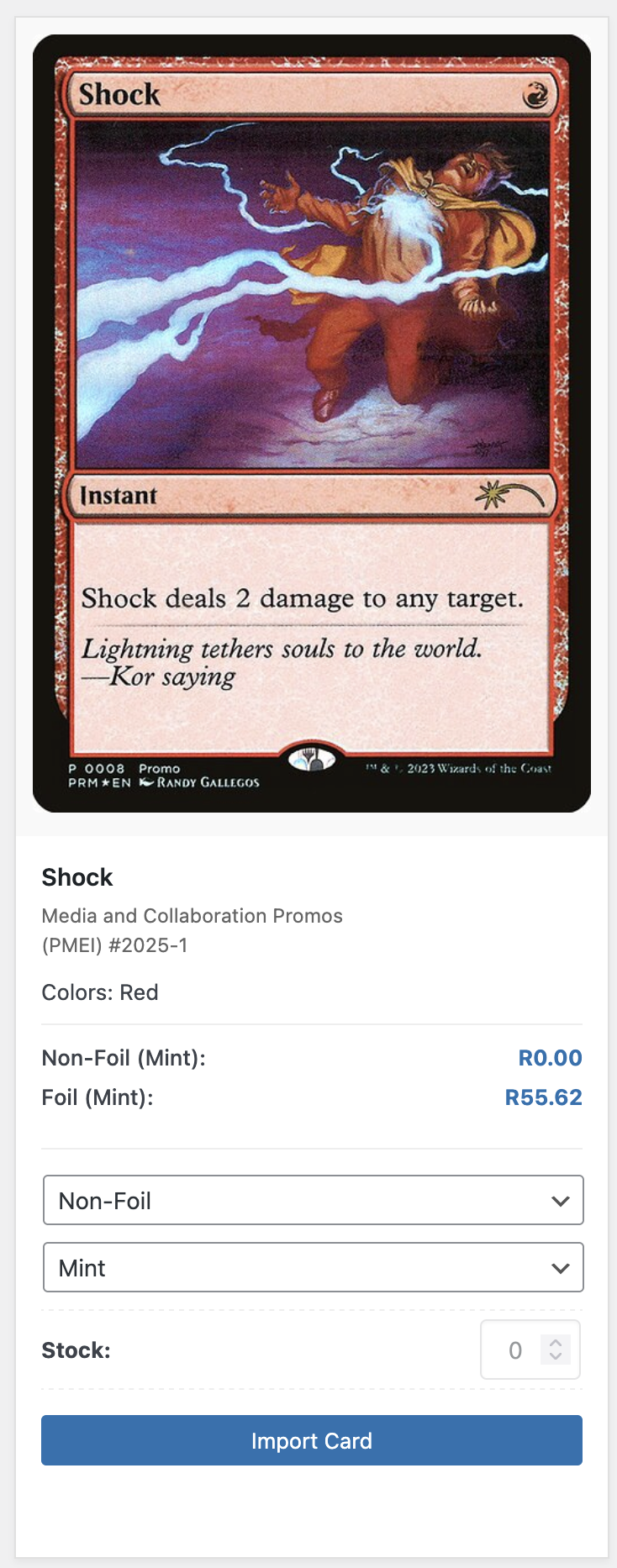
  • Search and Imports cards as products.
  • Filtering by sets
  • Bulk importing via CSV
  • Automatically imports products.
  • Imports pricing information.
  • Set minimum price.
  • Currency conversion multiplier.
  • Automatic price Syncing
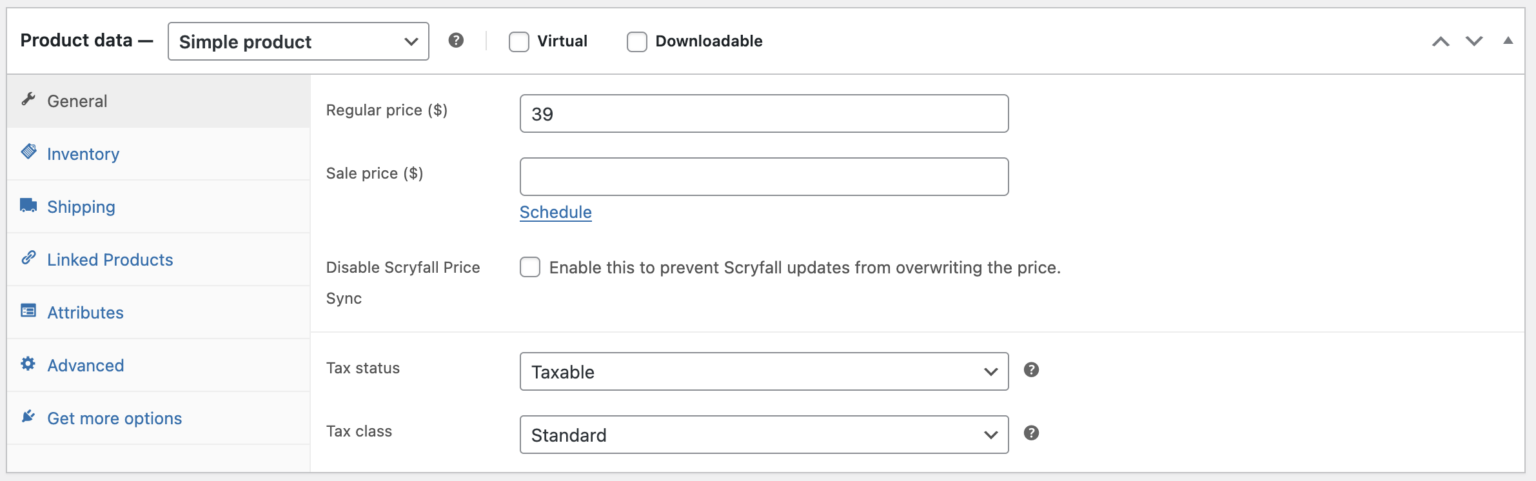
  • Custom price Override
  • “0” price value detection
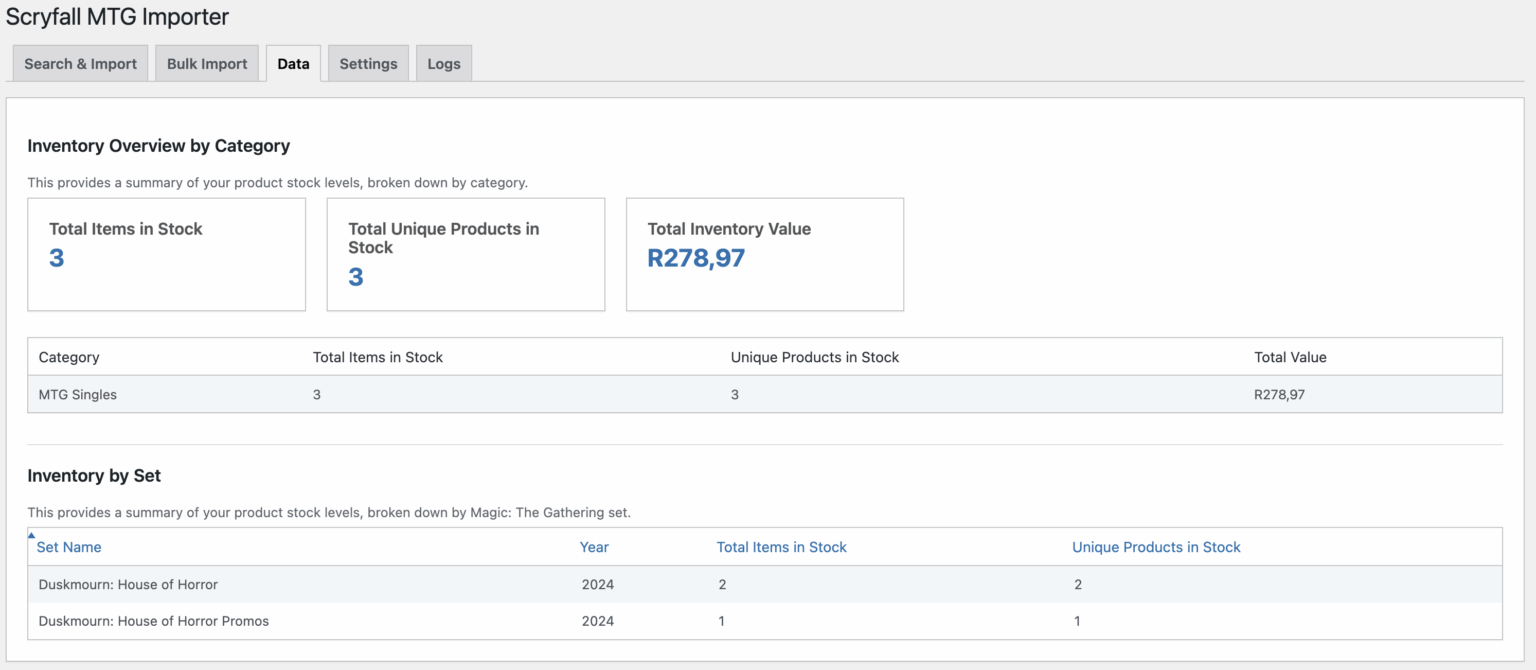
  • Stats and data tab
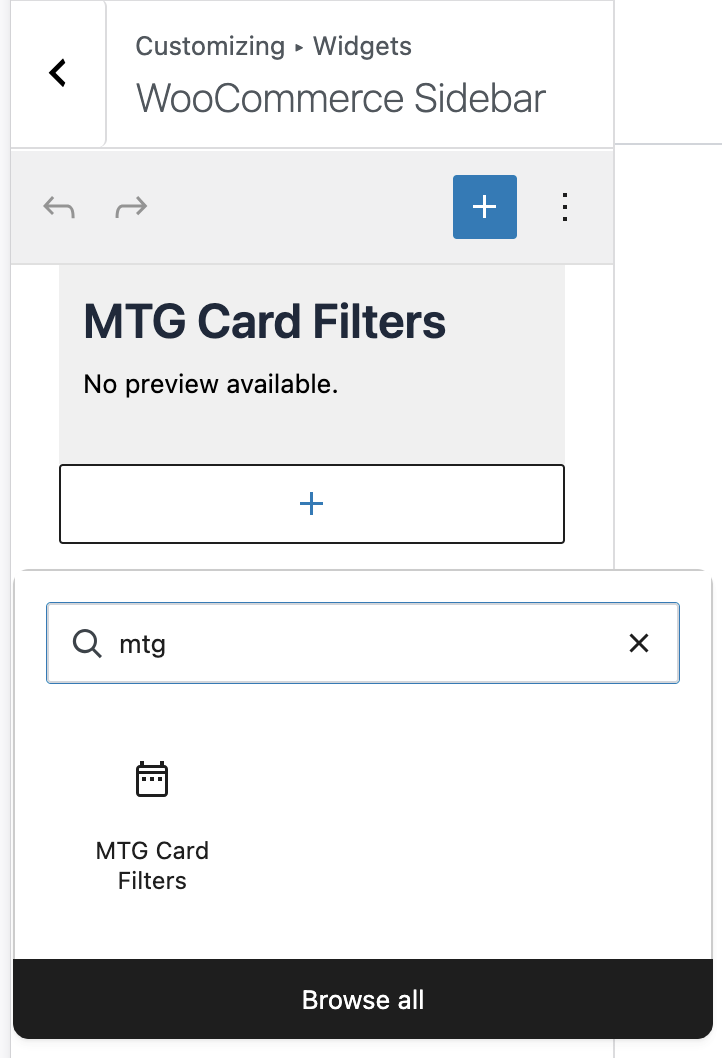
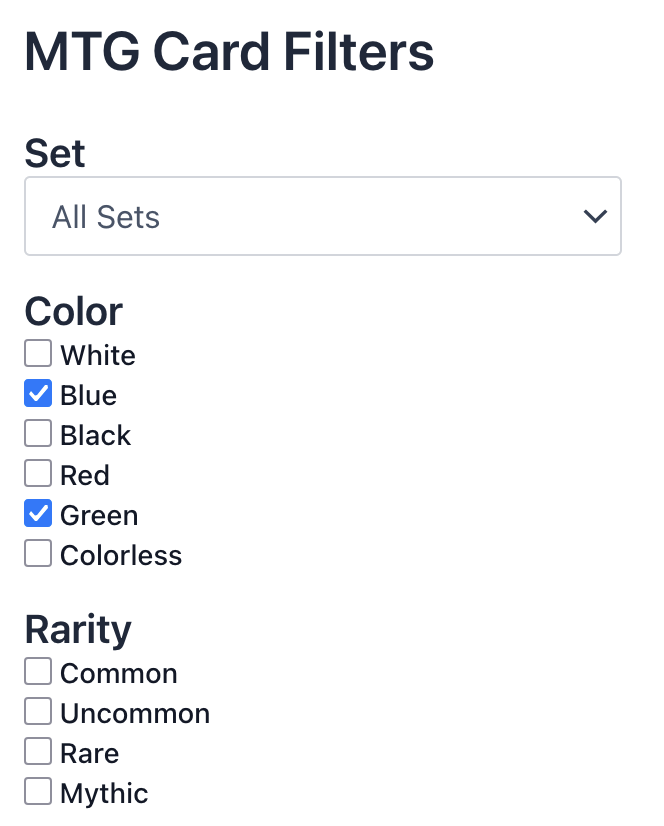
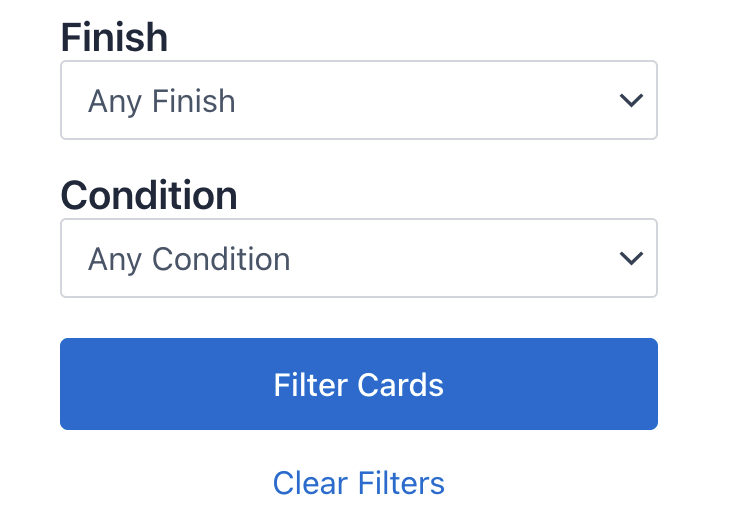
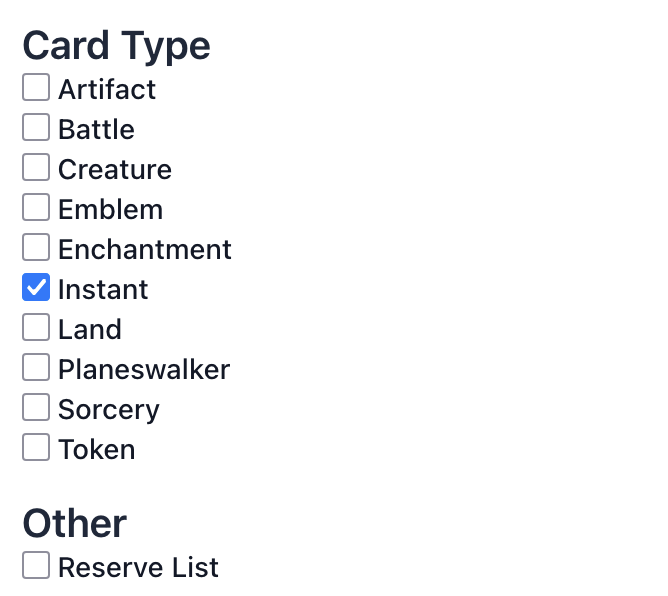
  • Store Filtering and sorting
  • Custom Card Price Override

Search & Import

Adding cards to your store has never been so easy.

You are able to easily search and filter by set to create a card product with accurate pricing based on card Finish and Condition.

DISCLAIMER
This plugin only Creates Simple Products currently there are now Variable options.

Automatic Tags and Naming

Import Settings

You decide which category your MTG singles import into and set a minimum price along with a multiplier to match your local currency.
To save on space you can decide on image resolution for products created by the plugin.

Card Condition Pricing

Set the discounted amount for various card conditions.
Mint condition is the default import condition.

Bulk CSV Card Import

Ability to do a bulk import using CSV files from Deckbox.org (importing whole sets is not longer included as bulk import option)

Store data tab

Keep track of your stock with a detailed overview.

Custom Price Override

Inside the card product edit page you are able to enable the “Disable Scryfall Price”Toggle to have the product excluded from price syncing so it will stay set to your own custom pricing.

Importer Log

Check the history of cards you have imported and view errors to report.

Store Filtering and Sorting

The customer is able to easily filter through your MTG singles using our MTG Filtering Widget

Scroll to Top